


Description
Multi-Room Amplification
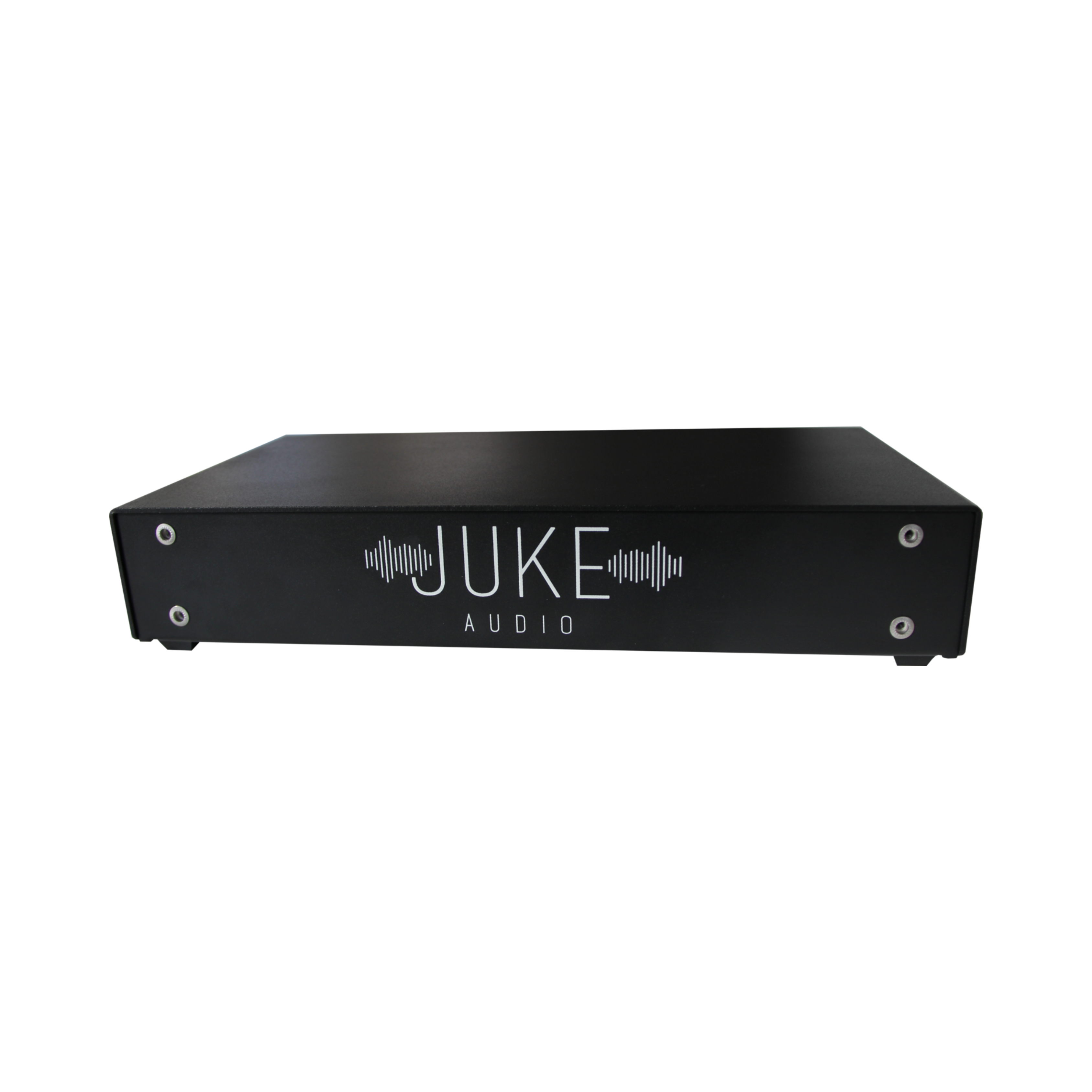
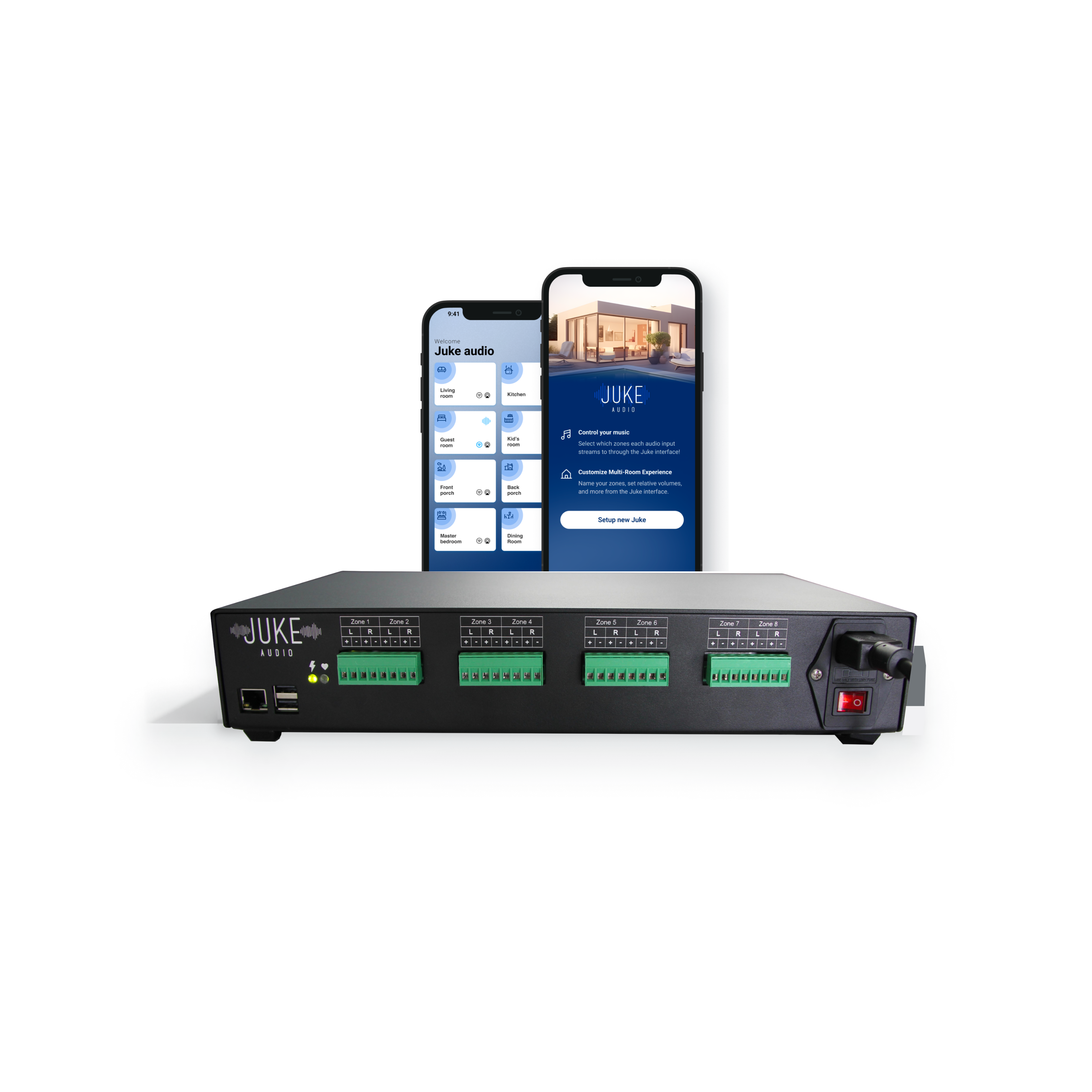
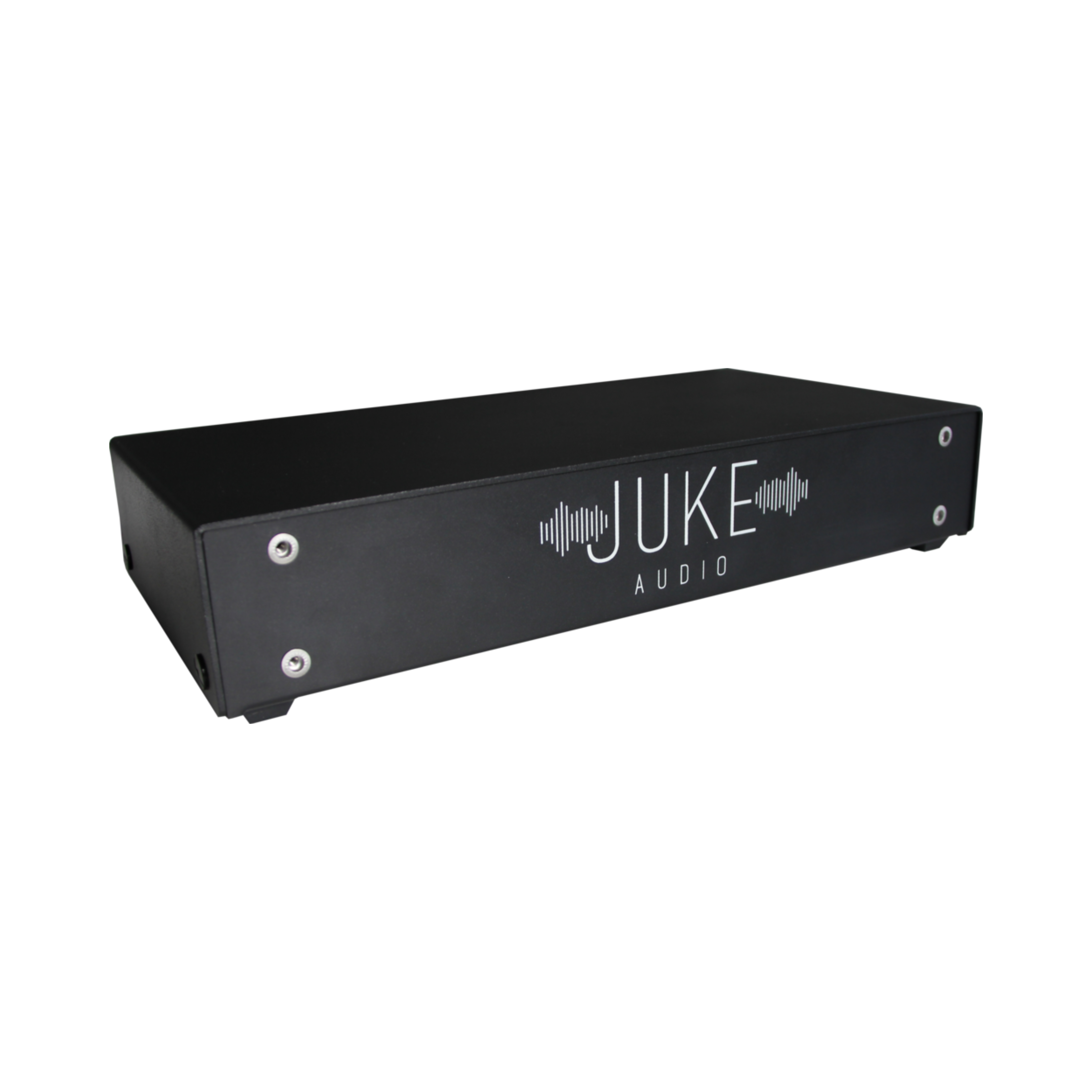
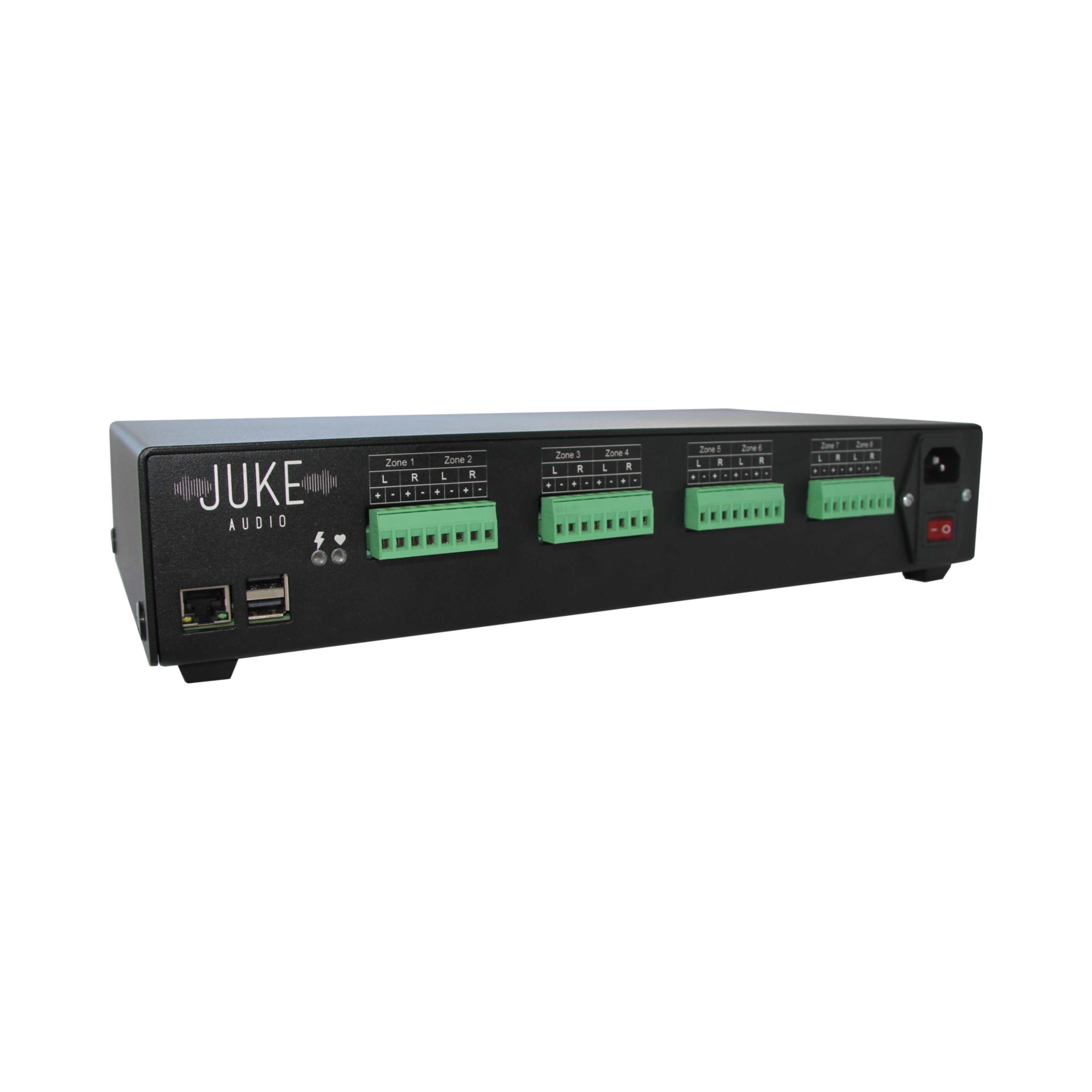
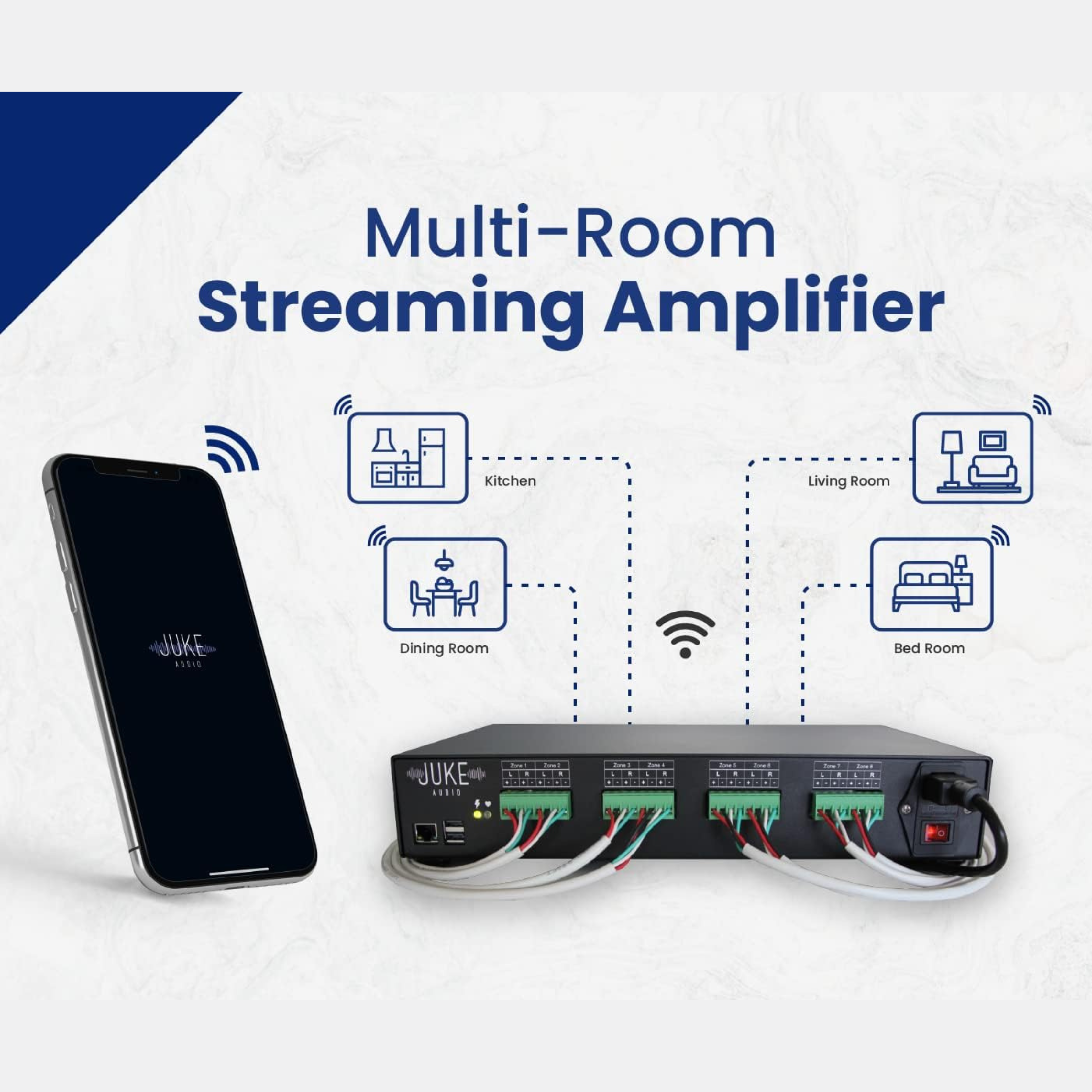
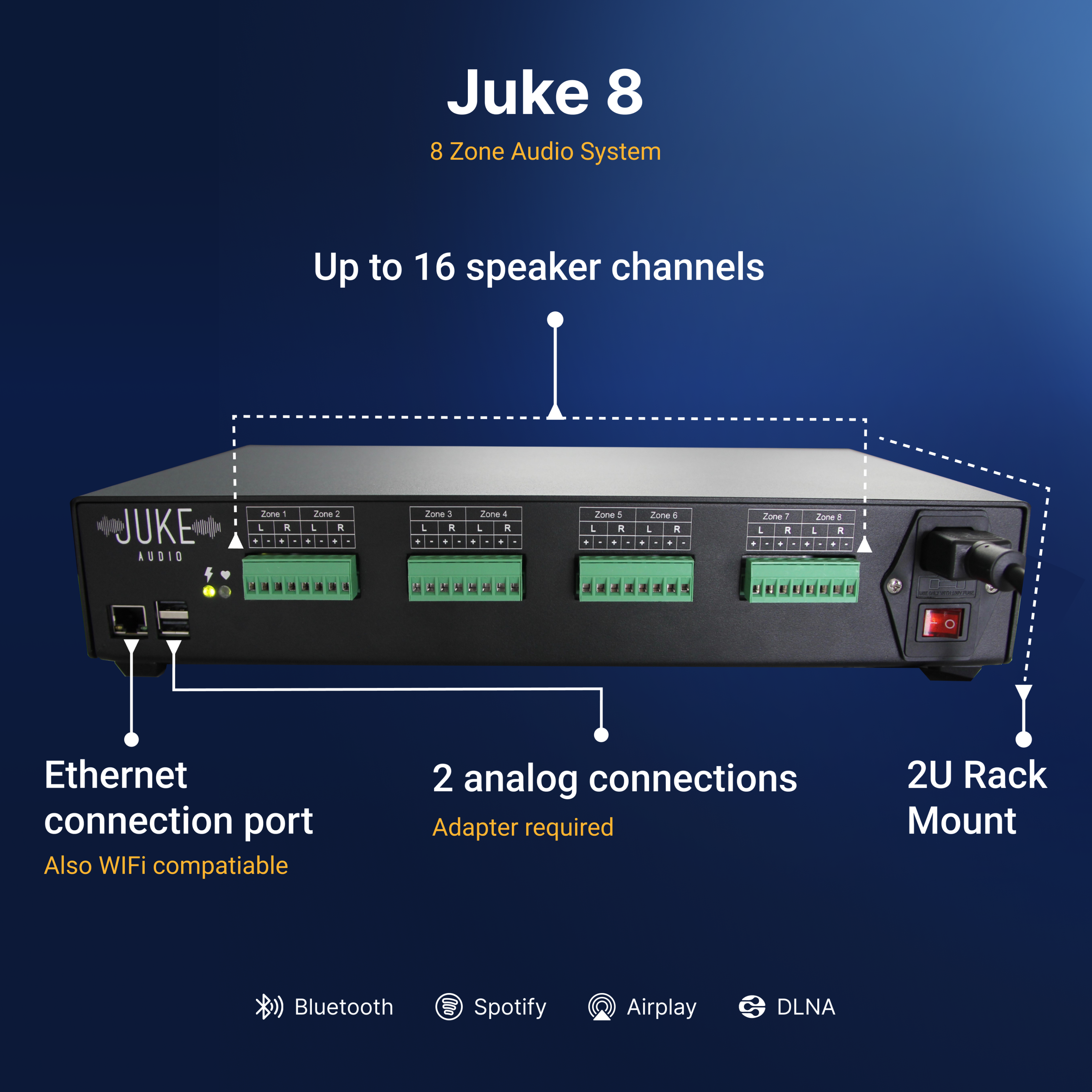
The Juke-8 powers 8 zones (16 channels) making it an ideal audio solution for connecting passive in-ceiling and in-wall speakers across an entire house or building.
Need more than 8 zones? Add multiple Jukes to the network and all the zones will appear in the same app allowing you to connect to and stream across all the rooms.
Need more than 8 zones? Add multiple Jukes to the network and all the zones will appear in the same app allowing you to connect to and stream across all the rooms.

Full Wireless Control
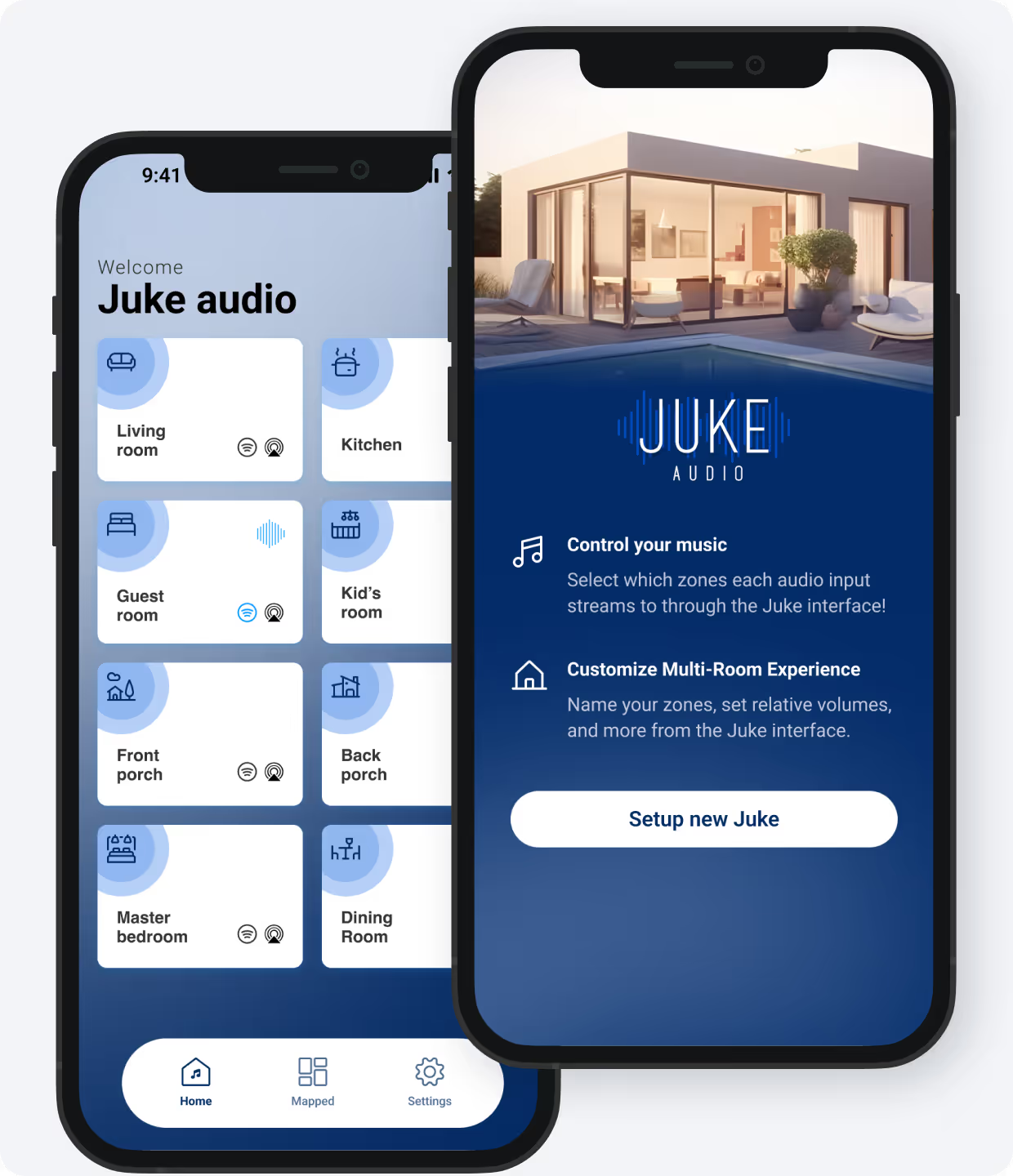
Control all components of your system from the palm of your hand with the Juke Audio application available for Android and Apple.
- Play to any combination of zones
- Independent volume slider for every zone
- Support streams from multiple users / devices simultaneously
Juke is all in One
The Juke is the only product you need for powering, controlling, and streaming audio to multiple speaker sets across your house. No need for a separate receiver, streamer, or in-wall controllers.

Stream From Your Apps
Airplay 2 , Spotify Connect , Bluetooth , Juke App
Juke displays each of its connected speaker zones as independent Airplay inputs which allows any Apple device to stream from directly within any app to any of the desired audio zones.
Given that all of the inputs are also Airplay 2 enabled, it allows users to group any combination of zones together directly in the Airplay menu without needing to revisit the Juke app to do so. You can also stream to Juke and any other Airplay 2 capable devices (Homepod, Smart TV, Receiver, etc.) and have the audio play in sync.
Enjoy TV Audio
Option 1: Send audio from any app on Apple TV to Juke wirelessly via Airplay over the Wi-Fi network.
Just connect an AppleTV into the HDMI port of your television
Option 2: Send audio from a compatible SmartTV to Juke via Bluetooth (must be with 40ft of the Juke)
Option 3: Run a hardwired connection from the output of your TV back to the Juke and connect directly via Optical or RCA
Option 2: Send audio from a compatible SmartTV to Juke via Bluetooth (must be with 40ft of the Juke)
Option 3: Run a hardwired connection from the output of your TV back to the Juke and connect directly via Optical or RCA
Specifications
| Amplifier Power Output | 40 watts peak per channel (80 watts per zone) |
|---|---|
| Wireless Inputs | AirPlay 2, Spotify Connect, Bluetooth, DLNA |
| Wired Inputs | 2 USB ports (Requires USB to RCA adapter) |
| Speaker Impedance | 8 ohms to 2 ohms |
| Voltage Input Range | 90 to 264 VAC, 127 to 370 VDC |
| Dimensions (W × D × H) | 15” × 8” × 3” |
| Rack Mountable | Yes |
| Weight | 6 lbs |
| User Manual | User Manual |
Juke Audio Reviews
Juke Audio Juke-8
Sale price$1,699